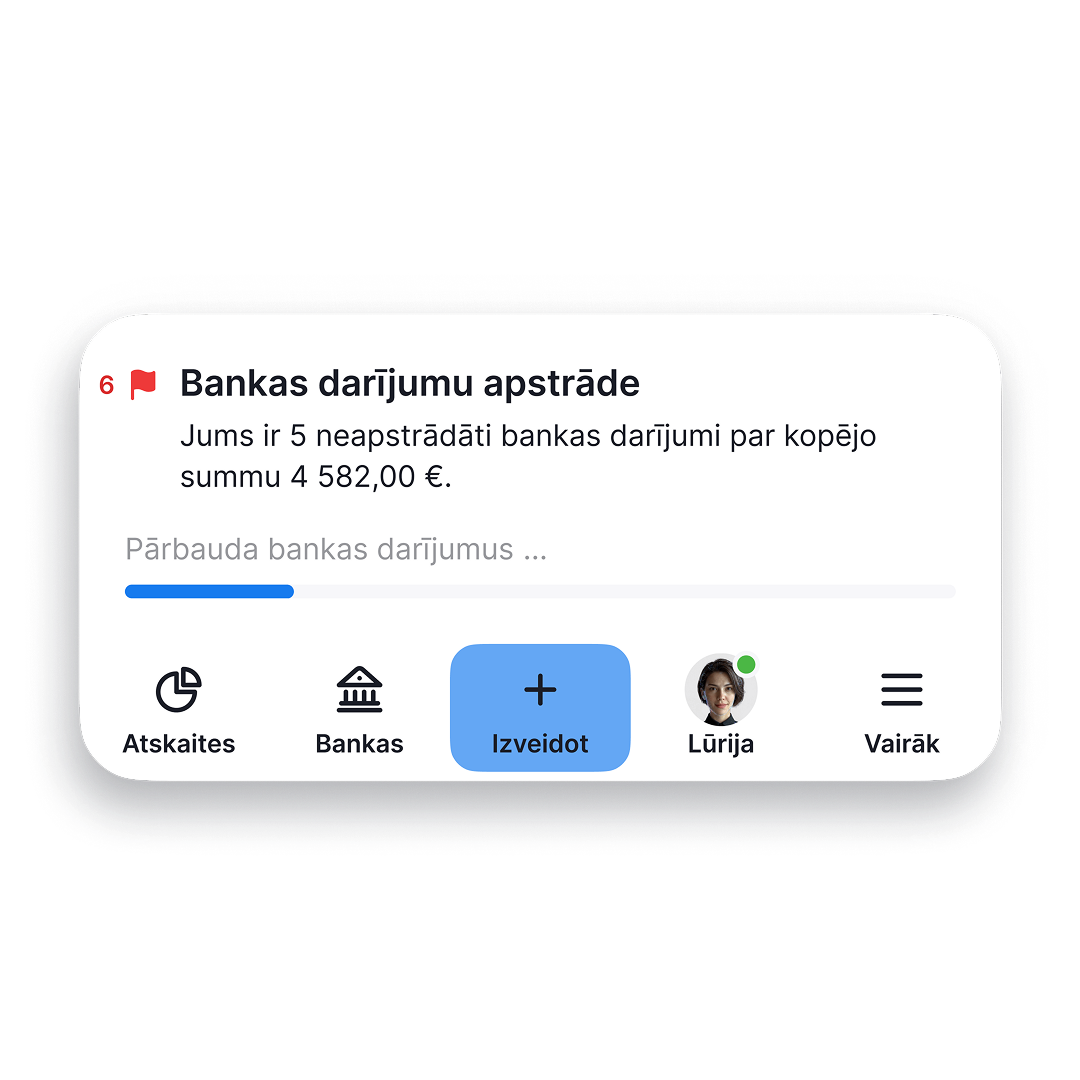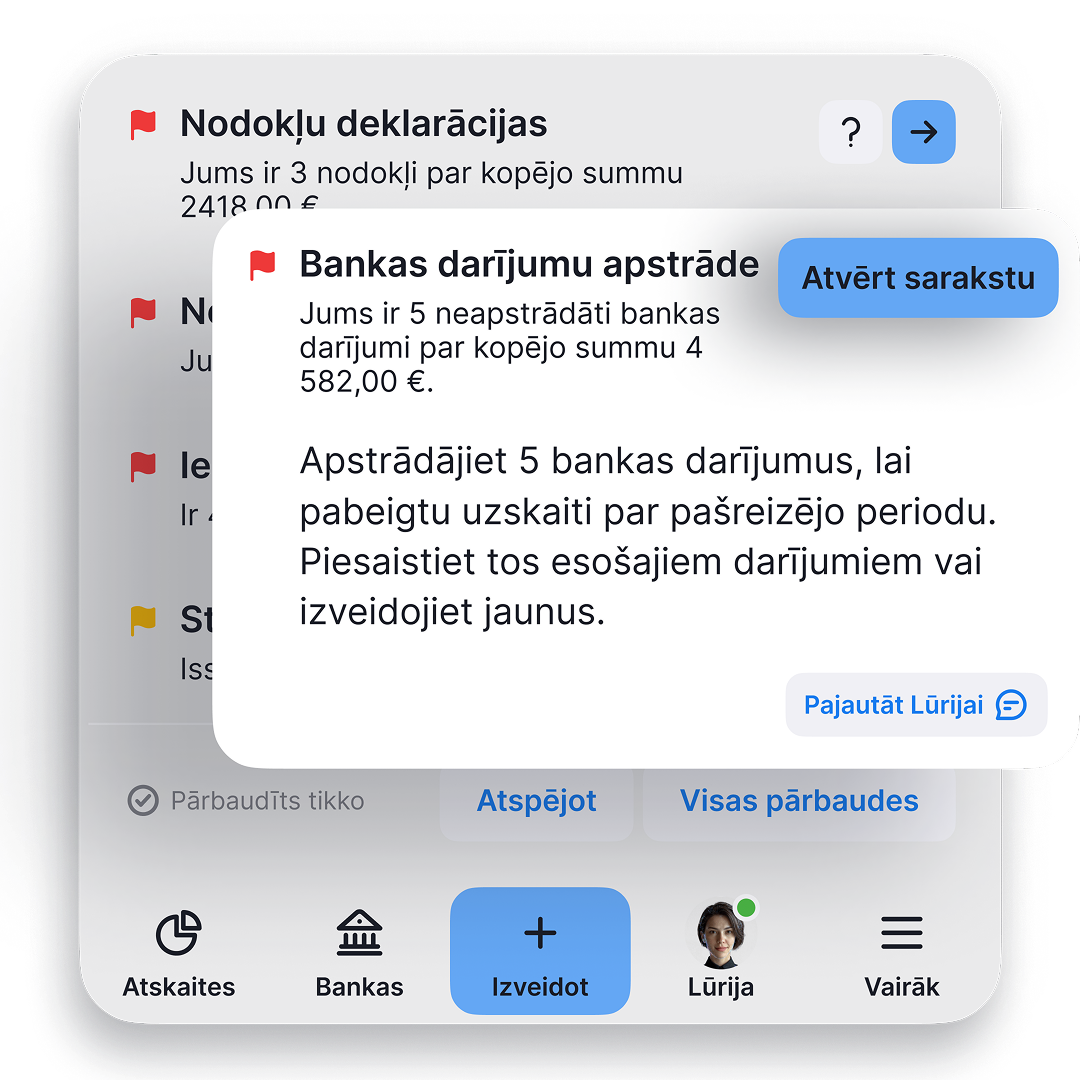

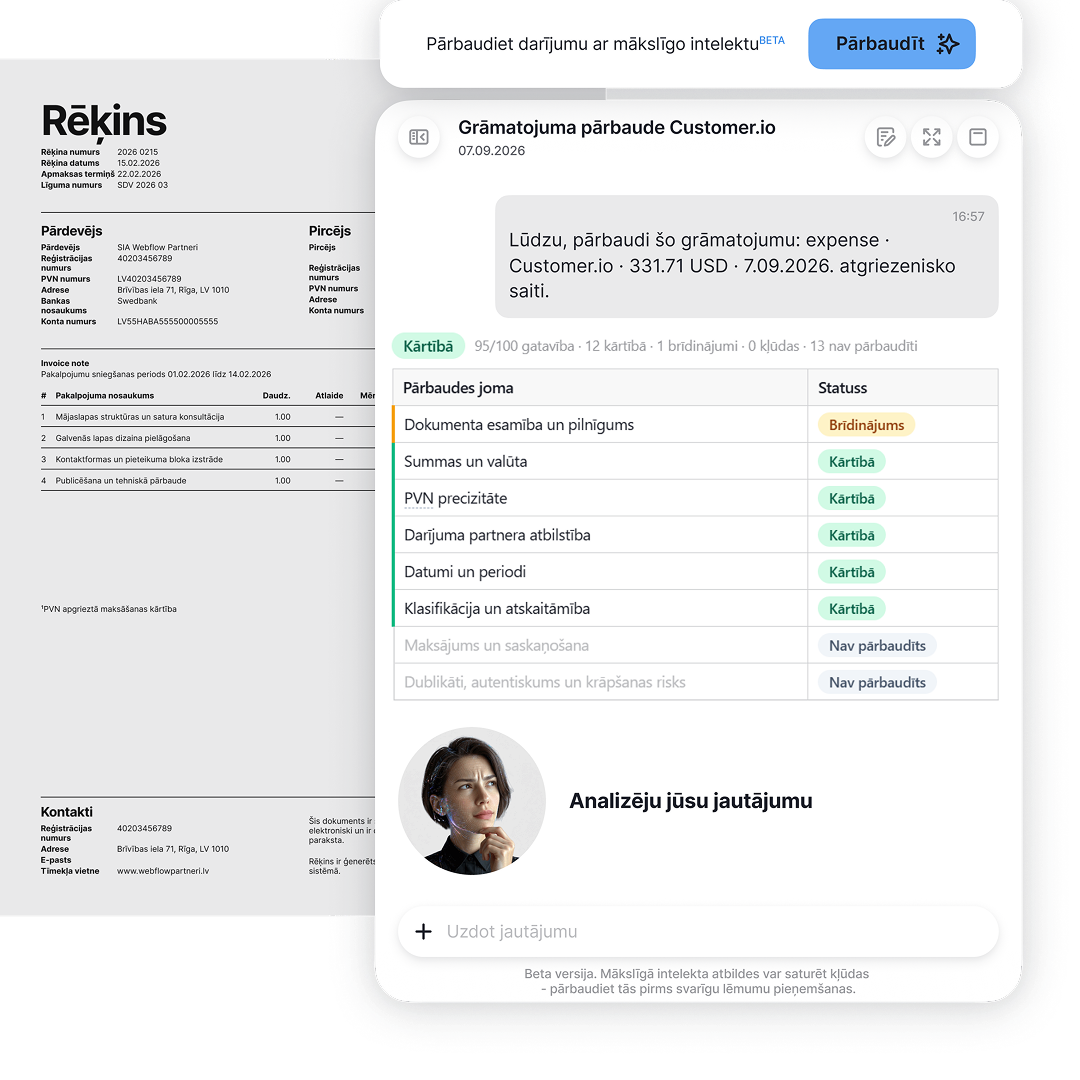
Do the transaction details match the receipt or invoice?

Lūrija compares the information in the document with the way the transaction was entered in the system and shows what to pay attention to, making accounting easier.

1 in 7 Why check a transaction? For our customers who already manage their accounting in pats.lv, the check finds something to clarify in approximately one out of every seven transactions

An extra pair of eyes for your transactions

Even when you manage your accounting carefully, a detail can still be overlooked. Lūrija compares the available transaction and document data and highlights information worth checking again.

This does not always indicate a tax error. It is often a detail that is easier to correct immediately.

1 What can the check help identify?

Discrepancies between the available document and transaction data, such as the amount, date, currency or partner information. If there is not enough data, some checks cannot be completed.
2 Why is your profile important?

Your business type, tax regime and VAT status determine the accounting context. The options available in the system and the transaction check take your profile into account. Keep your profile information up to date.

Possible result after making a correction

The partner information matches. The previous warning is no longer displayed.

15 correct 0 warnings 0 errors 11 not checked

This example illustrates the sequence of actions. The actual result may differ, and unchecked items must be assessed separately.

If the warning remains, check whether the changes were saved and whether the document is readable. If you need help, ask Lūrija or contact support.
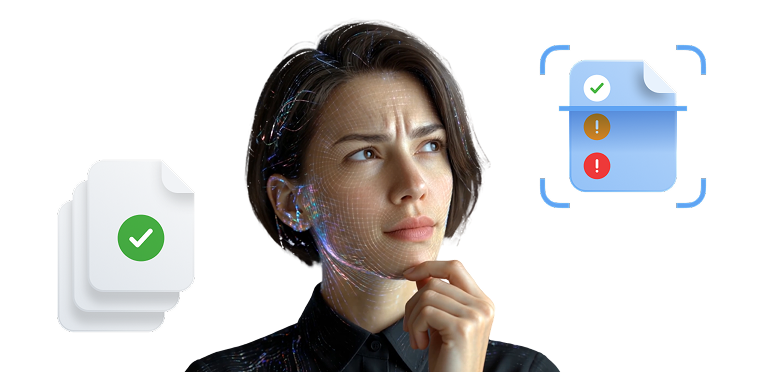
Lūrija helps check transaction data

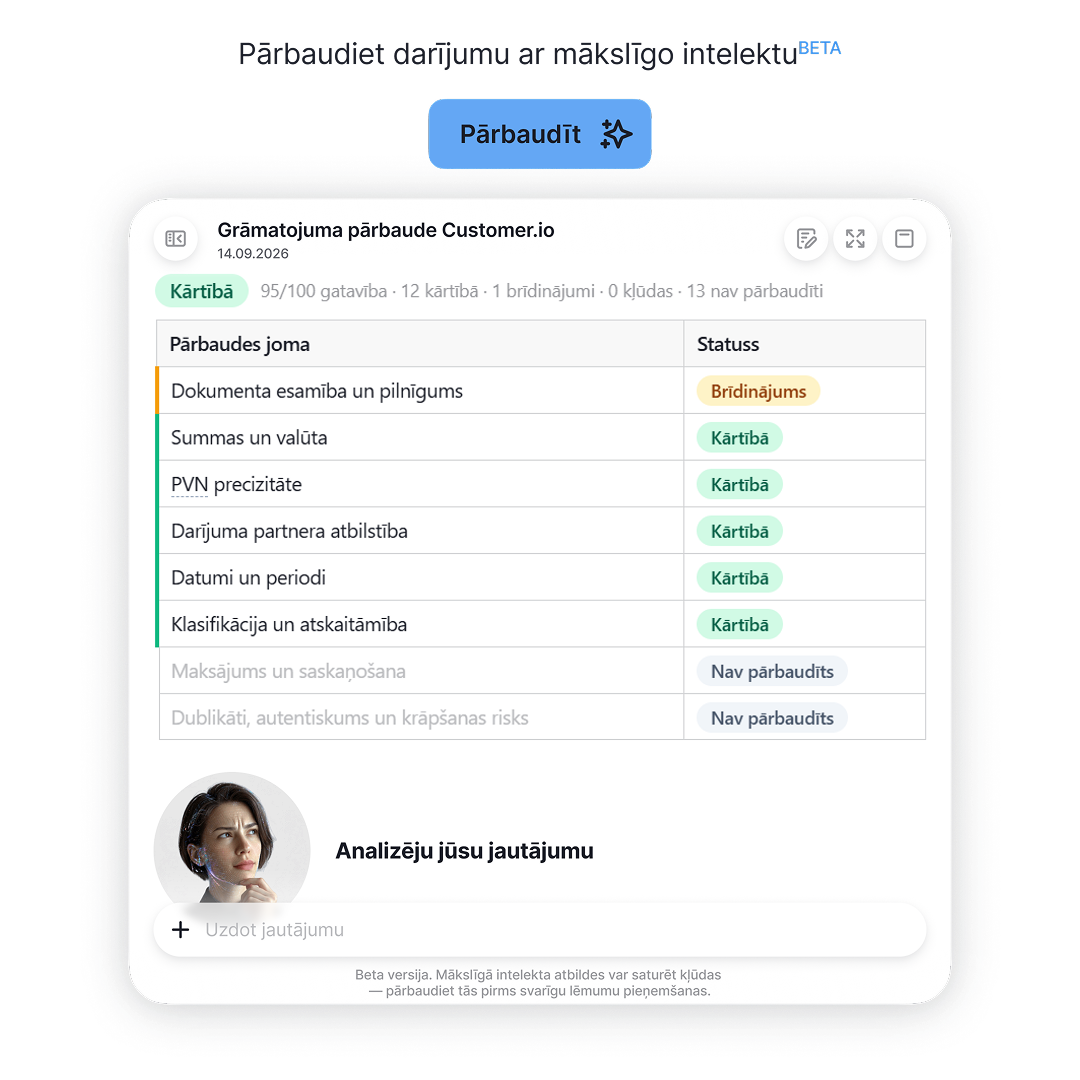
Check results · example

Transaction checks to help reduce errors

What will you see after the check?

The results are grouped by status, so you can immediately see what is correct and what still needs your attention.

14 ✓ Correct
1 ! Warning
0 × Errors
11 - Not checked

The number of statuses is shown for illustration and does not represent a guaranteed scope of the check. Unchecked items must still be assessed separately.

The partner name does not match

The transaction contains the platform name, but the document shows a different supplier.

  1. 1

    What to check: find the actual supplier in the document and compare its details with the system entry.

  2. 2

    What to do: if the entry is incorrect, update the partner information and save the changes.

  3. 3

    If you are unsure: ask Lūrija which information to look for in the document.

Spot a discrepancy while it is still easy to correct

The document is still at hand, and you remember the context of the transaction. If Lūrija identifies a discrepancy, you can correct it immediately instead of returning to the transaction while preparing a report.

Less time spent returning to old transactions. More confidence that your accounting is on the right track.

Give your accountant better-organised information

Your accountant still makes the professional decisions. Before that, Lūrija helps identify missing or inconsistent information, so the discussion can begin with what matters instead of document corrections.

Fewer questions and less back-and-forth communication. More time for matters that genuinely require an accountant's expertise.
Transaction check list

See which transaction, document and payment details pats.lv can currently check. The checks applied depend on the transaction type, your profile information and the data available in the system.

26

Check points The number used for a particular transaction depends on the transaction type and available data.

  1. 1 Compares the data The document, transaction entry and payment information, if available.
  2. 2 Shows the result See what is correct, what needs checking and where information is missing.
  3. 3 Helps you correct it Receive guidance about a specific field and run the check again after making the correction.

What can the check help identify?

Checks are applied according to the context of the transaction. Open a category to see examples.

Select a category to see the details

01 Document and its details 4 check points
  • Whether the required supporting document has been attached to the transaction
  • Whether the document was issued to the correct person or company
  • Whether the document number matches the number entered in the transaction
  • Whether the attached file is an invoice, receipt or another valid transaction document
02 Amounts and calculations 4 check points
  • Whether the transaction total matches the amount shown in the document
  • Whether the amount excluding VAT matches the document data
  • Whether the entered amount conflicts with the document itself
  • Whether the amount excluding VAT and the VAT amount add up to the total
03 VAT details 3 check points
  • Whether the VAT rate matches the rate shown in the document
  • Whether the VAT amount matches the document
  • Whether VAT has been included in the return when the profile is not registered for VAT
04 Partner information 7 check points
  • Whether the partner name matches the buyer or supplier shown in the document
  • Whether the registration and VAT numbers match
  • Whether the payment recipient matches the issuer of the document
05 Date, period and category 5 check points
  • Whether the transaction was recorded in the correct period
  • Whether there is a significant difference between the document date and entry date
  • Whether a larger purchase should be recorded as a fixed asset
  • Whether the business purpose of the expense is clear
  • Whether the selected category matches the content of the document
06 Payment and recipient 3 check points
  • Whether a bank payment is linked to the entry
  • Whether the linked payment amount matches the transaction total
  • Whether the actual recipient of the bank payment matches the supplier shown in the entry

The check uses only the available data. Not all 26 points apply to every transaction. If there is not enough information in the document or transaction, the relevant point may remain unchecked. The result helps identify what needs clarification, but it does not replace professional accounting or tax advice.

The checks are based on the most common inaccuracies made by users. The experience of more than 20,000 pats.lv users helps us understand which details most often need additional attention. Transaction checks help self-employed people and SIA companies organise their accounting faster, save their own and their accountant's time, reduce the risk of errors and make accounting support simpler and more accessible.

This list is current as of 16.09.2026. The number of checks will increase, and this page will be updated as the feature develops. We will notify all pats.lv users by email about new checks and significant feature updates.

Documents in order, even if you are not an accountant

The system automates routine tasks and checks documents, but the final decision always remains yours.
Reģistrācija ikona
SIA
If you are the sole board member and shareholder, you can manage the accounting yourself. The check shows where a purchase has been recorded before it appears in the VAT return, corporate income tax return or annual report.
Reģistrācijas ekrāns
Izdevumu ievade ikona
Self-employed
You work, issue invoices and keep receipts. The system makes sure every income and expense entry has a document and uses all the data to prepare the quarterly report and annual tax return.
Receipt scanning
Pārskats ikona
Accountants
Fewer client reminders and manual checks. You can immediately see which information is missing for each client and focus on reports instead of searching for missing receipts.
Finanšu pārskats

Issue an invoice, add a receipt and let the system show you the rest

Seven free days are enough to see what a fully organised reporting period looks like. You can start with demo data or add your own right away - the system will adapt to your tax regime.
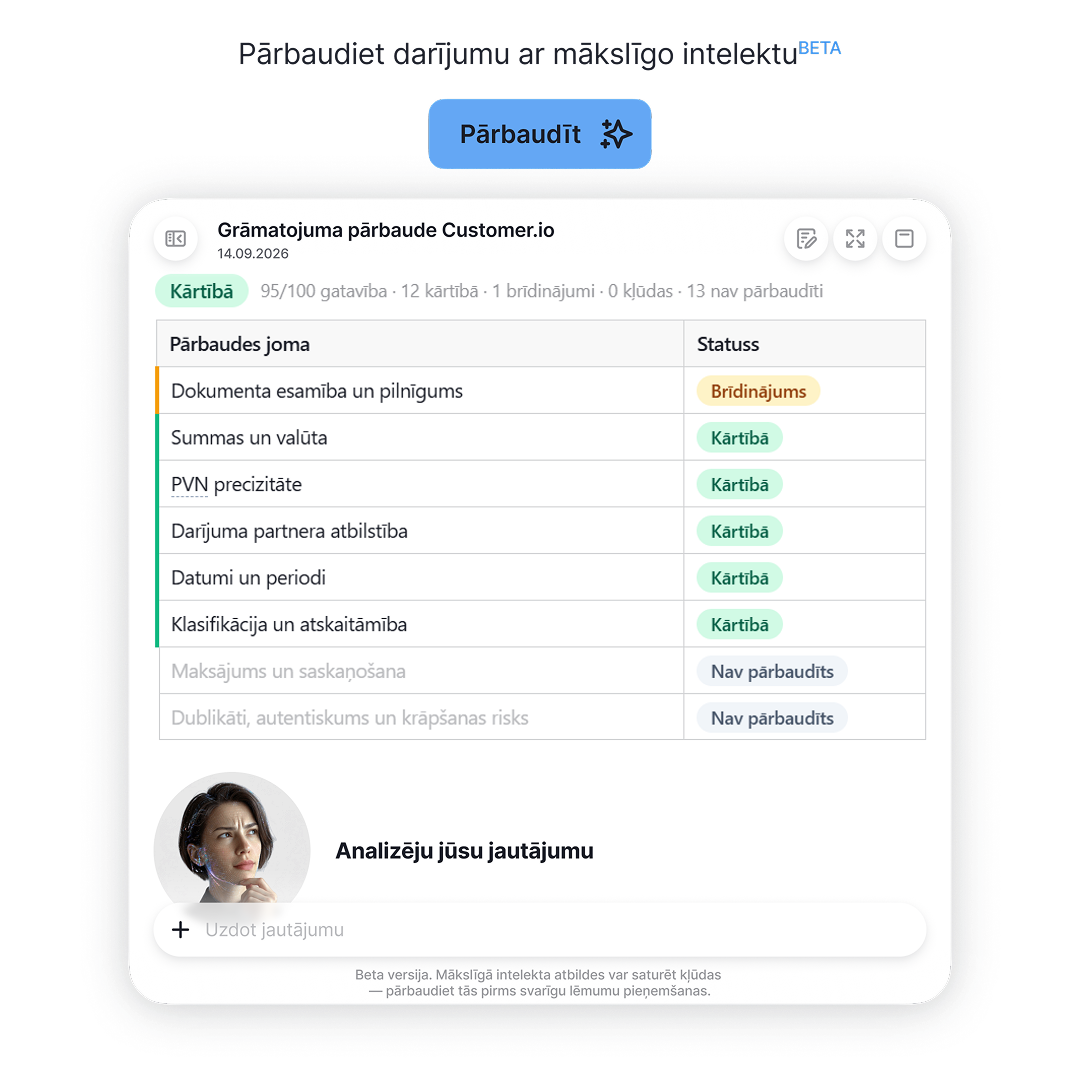
Transaction checks

Lūrija compares transaction data with the receipt or invoice and highlights errors and inconsistencies that need attention.
Free tax assistant

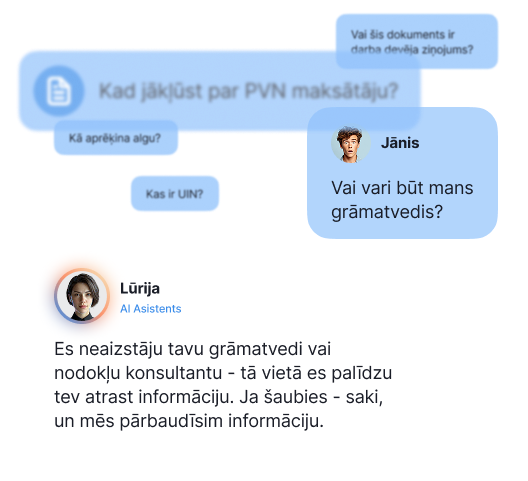
Lurija helps find answers to questions about Latvian taxes, accounting and business activity.

Tax deadline calendar

All VID filing and payment dates in one place, matched to your business type

Business Account

For self-employed professionals and SIA companies - automatically sync transactions with pats.lv accounting

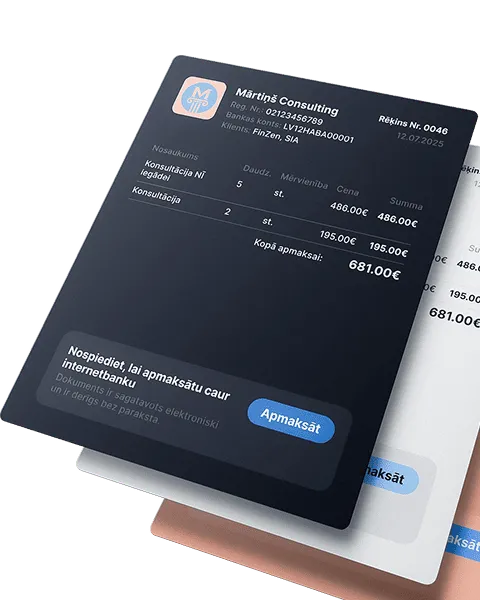
Issue invoices and get paid faster

Automate the invoicing process, get paid faster, and focus on what truly drives your business forward
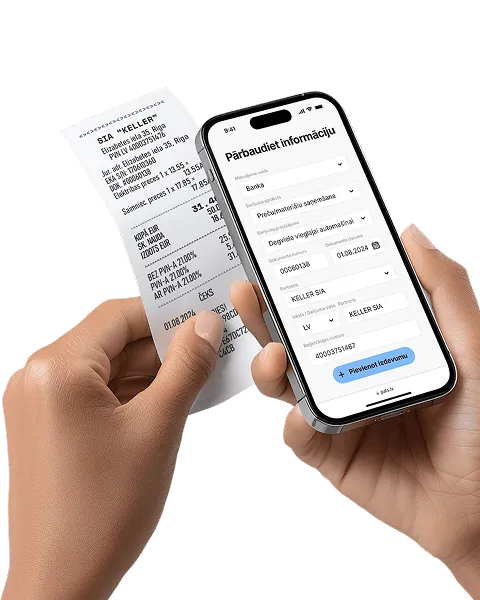
Receipt and invoice scanning

Automation that pays off! Save up to 80% of the time compared to manual data entry
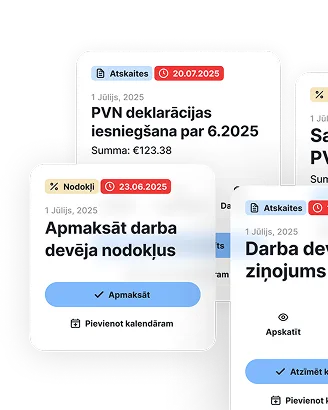
Reporting and tax calendar

All reports and tax declarations are generated automatically - from quarterly to annual. Enter your income and expenses, the system will calculate the taxes - just download and submit
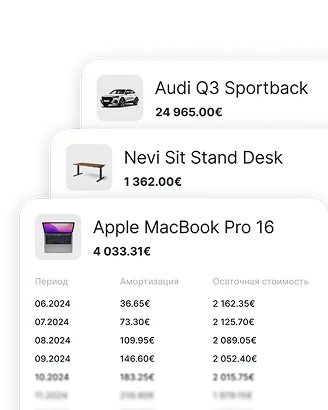
Fixed asset accounting

Enter an asset once - depreciation is calculated automatically, and the data goes straight into the reports
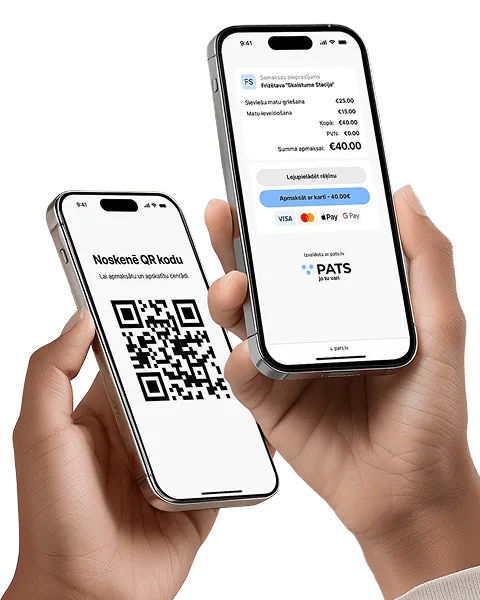
Accept payments without a terminal

Instantly with a QR code or link - perfect for service providers without a cash register. Create an offer, the client scans and pays
Accurate salary calculation every month

Automatically calculates salaries, taxes, and vacation pay, while also preparing all mandatory documents

Bank integration and payment management

The fastest way to manage business transactions - accurately and clearly

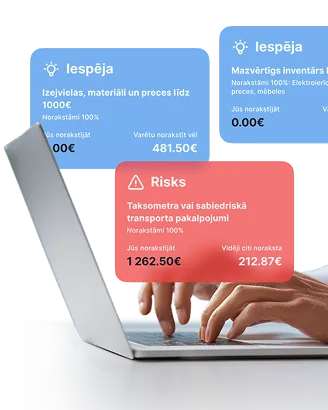
Expense analytics and tips

Analyze your expenses and get smart tips on what can be deducted. Compare with others in your field and avoid missing out
How much does it cost

Free invoices
Invoices and documents
Free Plan
Functions
  • 10 document scans
  • Invite accountant
  • Catalog of services and products
  • Access to documents - 90 days
Invoices
  • 10 invoices per month
  • Language selection
  • Invoice design selection
  • Adding your own logo
  • Electronic invoice
  • Payment button directly in the invoice
Pay for a year - 2 months free
Basic Plan
Basic
Automatic reports
€90 / per year
VAT included
  • Value Added Tax (VAT) declaration for the taxation period
  • Depreciation and value write-off calculation for fixed assets and intangible investments
  • Operations journal
  • General ledger
  • Corporate income tax declaration
  • Annual report
  • Balance sheet
  • Profit and loss statement
  • Employer’s report
  • Information about employees
  • Statement on amounts paid to a natural person
  • Income and expense ledger
  • Self-employed person's social security contributions report
  • Social contributions report for MUN taxpayers
  • Value Added Tax (VAT) declaration for the taxation period
  • Depreciation and value write-off calculation for fixed assets and intangible investments
  • Employer’s report
  • Information about employees
  • Statement on amounts paid to a natural person
Pro Plan
Pro
Save more
€190 / per year
VAT included
  • Value Added Tax (VAT) declaration for the taxation period
  • Depreciation and value write-off calculation for fixed assets and intangible investments
  • Operations journal
  • General ledger
  • Corporate income tax declaration
  • Annual report
  • Balance sheet
  • Profit and loss statement
  • Employer’s report
  • Information about employees
  • Statement on amounts paid to a natural person
  • Income and expense ledger
  • Self-employed person's social security contributions report
  • Social contributions report for MUN taxpayers
  • Value Added Tax (VAT) declaration for the taxation period
  • Depreciation and value write-off calculation for fixed assets and intangible investments
  • Employer’s report
  • Information about employees
  • Statement on amounts paid to a natural person
Premium Plan
Premium
Earn more
€290 / per year
VAT included
  • Value Added Tax (VAT) declaration for the taxation period
  • Depreciation and value write-off calculation for fixed assets and intangible investments
  • Operations journal
  • General ledger
  • Corporate income tax declaration
  • Annual report
  • Balance sheet
  • Profit and loss statement
  • Employer’s report
  • Information about employees
  • Statement on amounts paid to a natural person
  • Income and expense ledger
  • Self-employed person's social security contributions report
  • Social contributions report for MUN taxpayers
  • Value Added Tax (VAT) declaration for the taxation period
  • Depreciation and value write-off calculation for fixed assets and intangible investments
  • Employer’s report
  • Information about employees
  • Statement on amounts paid to a natural person
Basic Plan
Basic
Automatic reports
€9 / per month
VAT included
  • Value Added Tax (VAT) declaration for the taxation period
  • Depreciation and value write-off calculation for fixed assets and intangible investments
  • Operations journal
  • General ledger
  • Corporate income tax declaration
  • Annual report
  • Balance sheet
  • Profit and loss statement
  • Employer’s report
  • Information about employees
  • Statement on amounts paid to a natural person
  • Income and expense ledger
  • Self-employed person's social security contributions report
  • Social contributions report for MUN taxpayers
  • Value Added Tax (VAT) declaration for the taxation period
  • Depreciation and value write-off calculation for fixed assets and intangible investments
  • Employer’s report
  • Information about employees
  • Statement on amounts paid to a natural person
Pro Plan
Pro
Save more
€19 / per month
VAT included
  • Value Added Tax (VAT) declaration for the taxation period
  • Depreciation and value write-off calculation for fixed assets and intangible investments
  • Operations journal
  • General ledger
  • Corporate income tax declaration
  • Annual report
  • Balance sheet
  • Profit and loss statement
  • Employer’s report
  • Information about employees
  • Statement on amounts paid to a natural person
  • Income and expense ledger
  • Self-employed person's social security contributions report
  • Social contributions report for MUN taxpayers
  • Value Added Tax (VAT) declaration for the taxation period
  • Depreciation and value write-off calculation for fixed assets and intangible investments
  • Employer’s report
  • Information about employees
  • Statement on amounts paid to a natural person
Premium Plan
Premium
Earn more
€29 / per month
VAT included
  • Value Added Tax (VAT) declaration for the taxation period
  • Depreciation and value write-off calculation for fixed assets and intangible investments
  • Operations journal
  • General ledger
  • Corporate income tax declaration
  • Annual report
  • Balance sheet
  • Profit and loss statement
  • Employer’s report
  • Information about employees
  • Statement on amounts paid to a natural person
  • Income and expense ledger
  • Self-employed person's social security contributions report
  • Social contributions report for MUN taxpayers
  • Value Added Tax (VAT) declaration for the taxation period
  • Depreciation and value write-off calculation for fixed assets and intangible investments
  • Employer’s report
  • Information about employees
  • Statement on amounts paid to a natural person

Frequently Asked Questions

49 € tarifs paredzēts SIA ar līdz 25 darījumiem un līdz 3 darbiniekiem. 99 € tarifs paredzēts līdz 50 darījumiem un līdz 5 darbiniekiem, kā arī ietver papildu palīdzību sarežģītākos jautājumos, piemēram, pamatlīdzekļos un starptautiskos darījumos.
Nē. Darījumus ievadi tu pats pats.lv sistēmā. Grāmatvedis tos pārskata, izlabo kļūdas un paskaidro, kas jāmaina. Tas ir kopdarbs, nevis pilna servisa modelis, kur visa uzskaite notiek ārpus tavas sistēmas.
Kad darījumi par periodu ir pārbaudīti, pats.lv automātiski sagatavo nepieciešamās atskaites. Tu tās iesniedz VID EDS, bet grāmatvedis palīdz, ja rodas jautājumi.
Jā. Gan "Pats ar Grāmatvedi", gan "Pats ar Grāmatvedi +" pakalpojums ir pieejams SIA ar aktīvu pats.lv Premium abonementu.
Minimālais līguma termiņš ir 3 mēneši. Pēc tam līgumu var pārtraukt bez līgumsodiem, informējot grāmatvedi, ka turpmāk vēlies grāmatvedību kārtot patstāvīgi.

Opening an account is free.

There is also no account maintenance fee for the first three months. After that:

  • for self-employed users - €1/month;
  • for SIA companies - €5/month.