


01
Materials for the job
Paint, cables, pipes, fixings and other purchases from one or more suppliers.
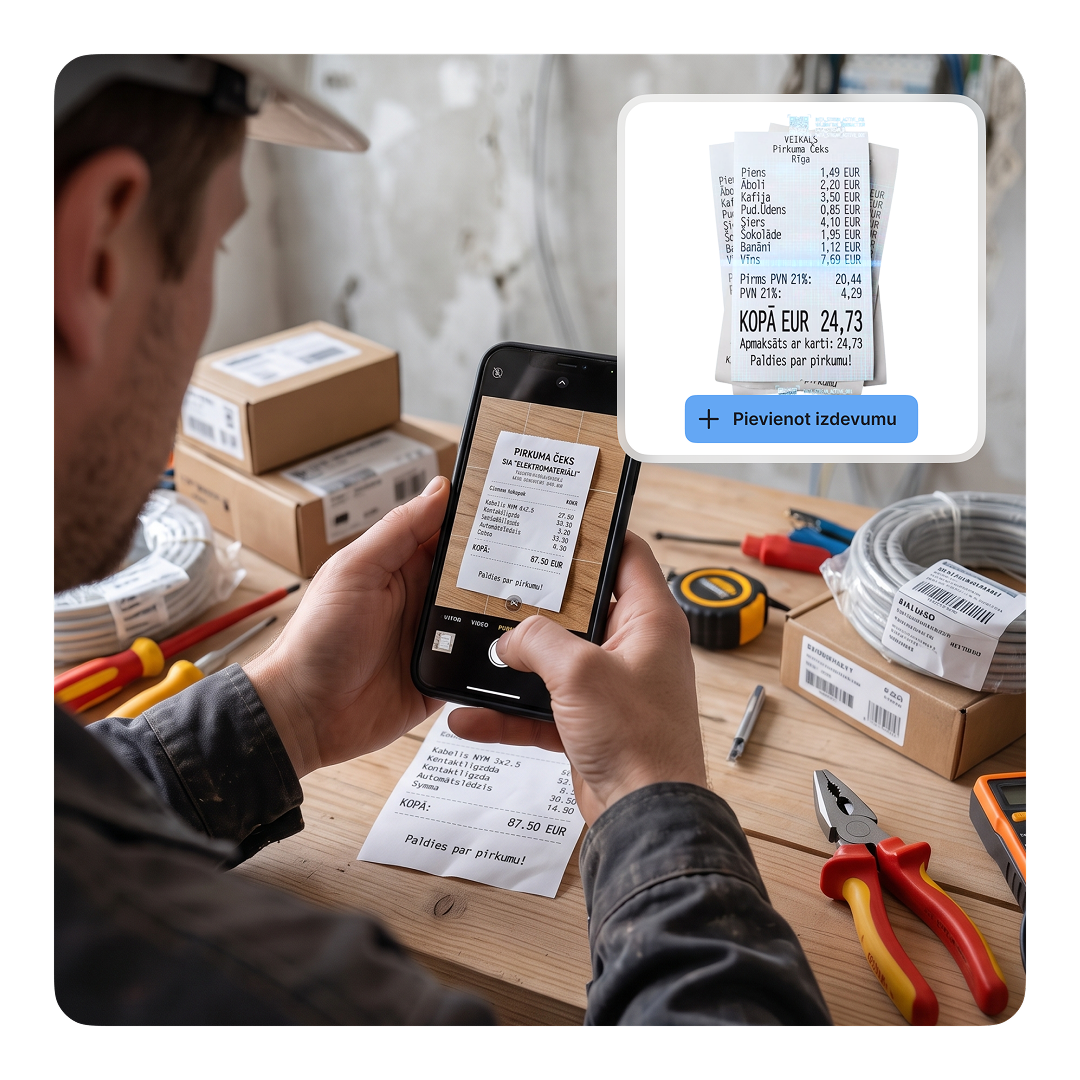
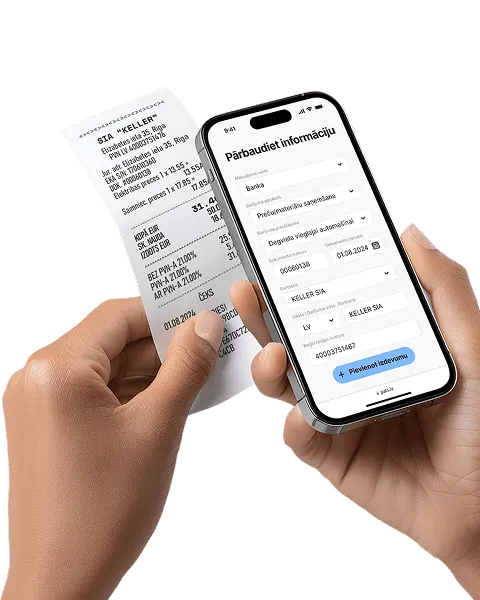
✓Photograph the receipt, check the extracted data and record the expense.
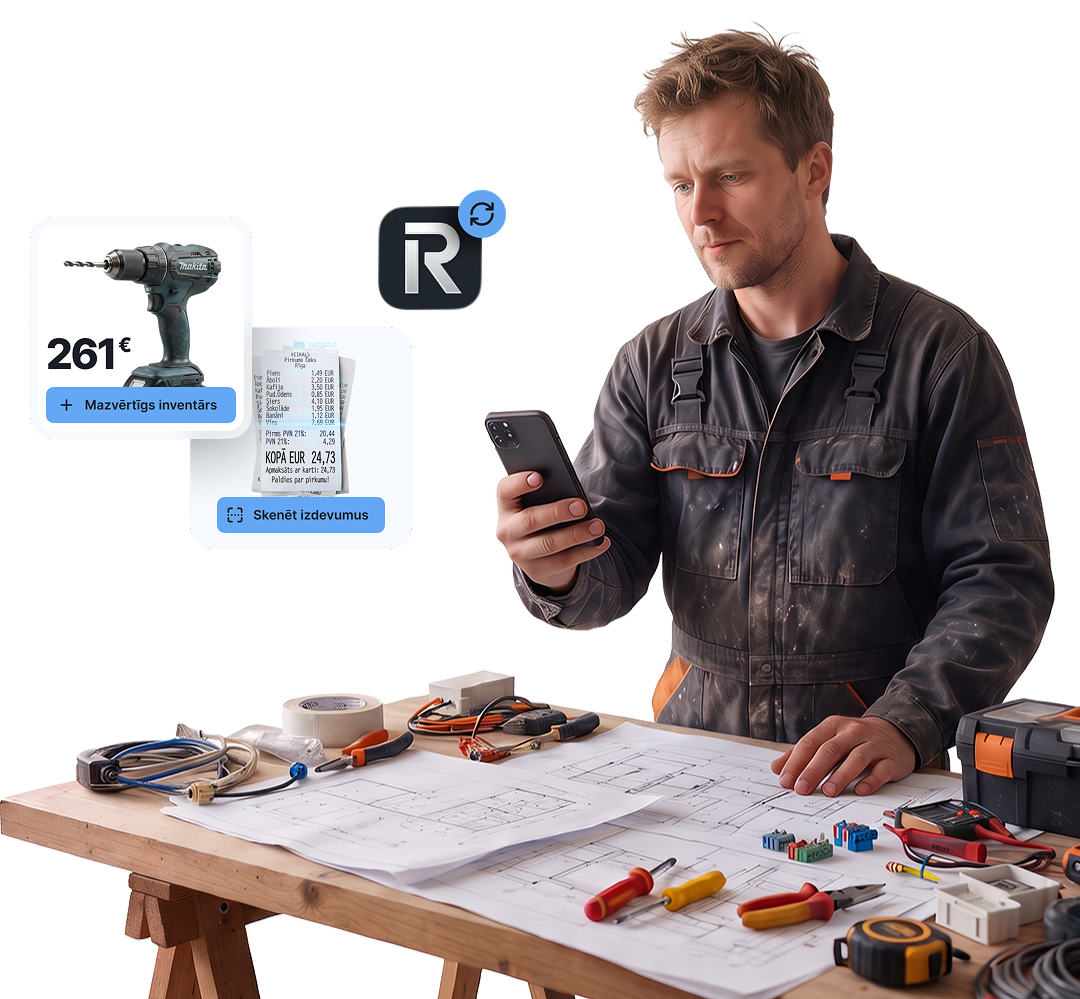
Whether you’re self-employed or run a small SIA, pats.lv helps you manage everyday construction bookkeeping: receipts for materials, tools and fixed assets, work vehicle expenses, subcontractor invoices, payroll and reports. You add and confirm documents, while the system helps extract their data and keep your books organised.
Paint, cables, pipes, fixings and other purchases from one or more suppliers.
✓Photograph the receipt, check the extracted data and record the expense.
Drills, saws, scaffolding and other equipment with different values and useful lives.
✓Track fixed assets, their purchase costs and depreciation in one place.
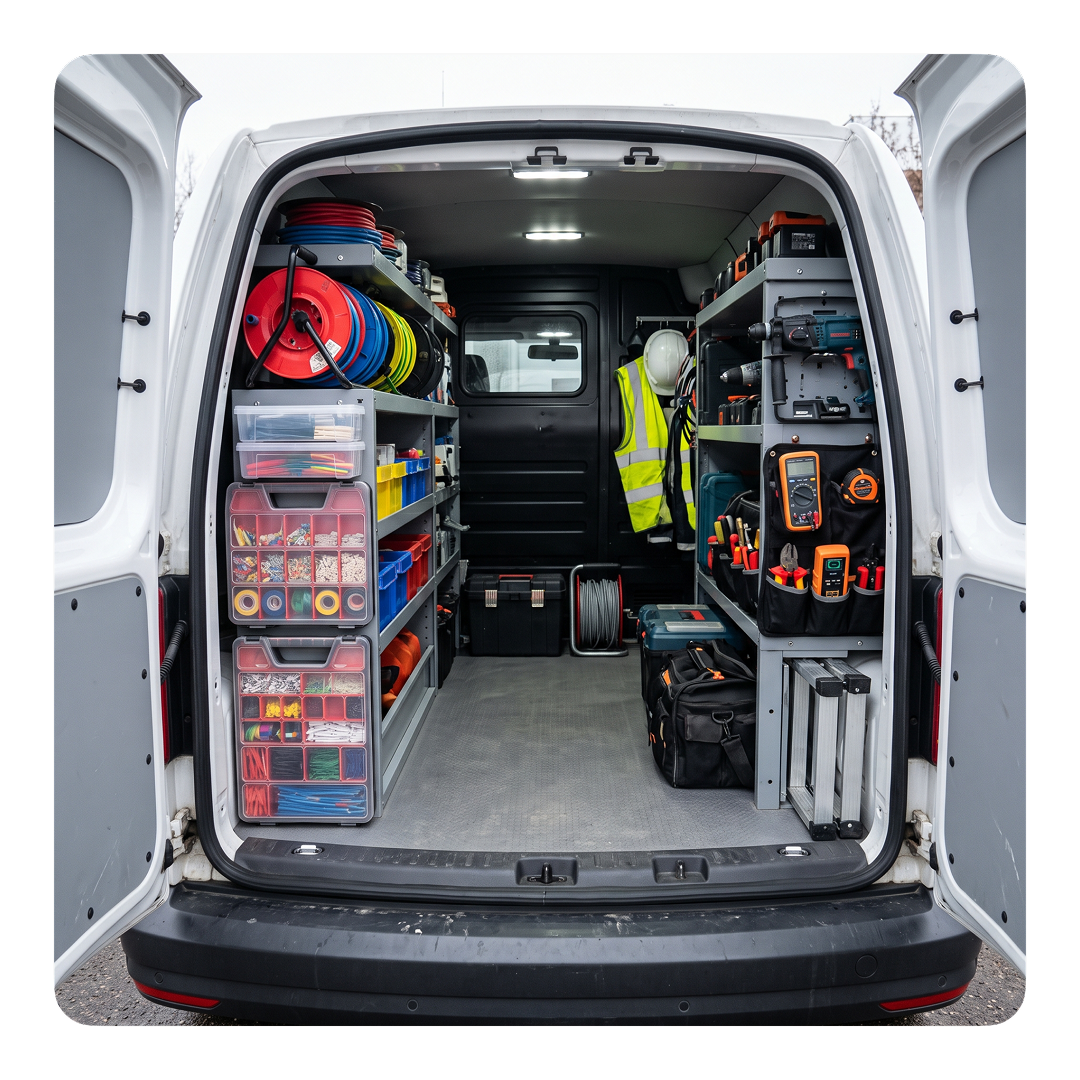
Fuel or charging, repairs, insurance, rental and travel to job sites.
✓Add documents and keep them with the transaction.
Workwear, footwear, helmets, gloves, respirators and other protective equipment needed for the job.
✓Attach a document to support the business expense.
Equipment hire, waste removal, premises, professional insurance and communications.
✓Keep the invoice, contract and payment together in one transaction workflow.
Invoices for outsourced services, wages and staff documents don’t need to be grouped into one category.
✓Record invoices separately, and prepare payroll and employer reports in the payroll module.






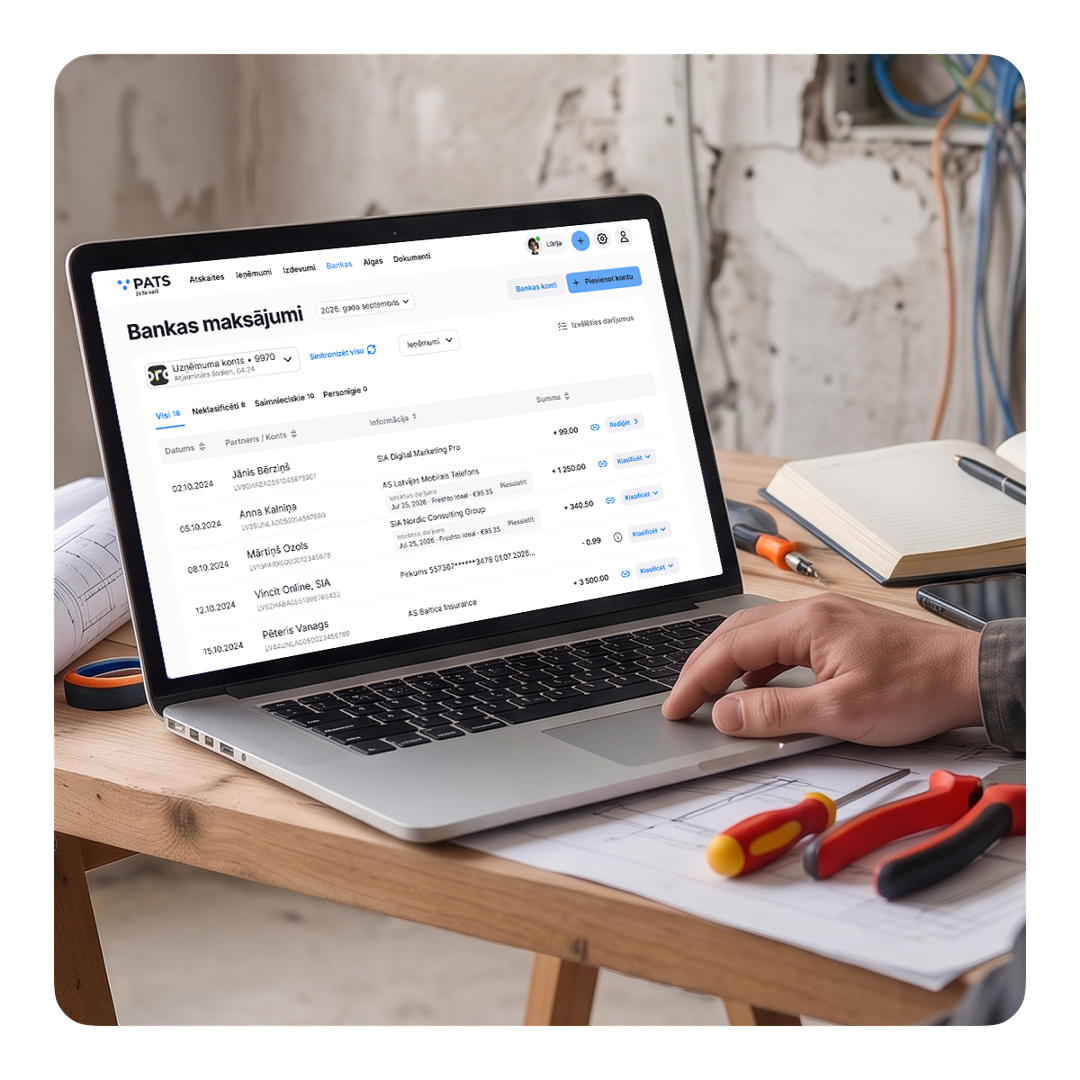
Whether you already manage your own bookkeeping, work with an accountant or are just planning to start, your invoices, documents, payments and records can stay in one system.
Start with invoices, receipts and your bank. You record what happens in your business, while pats.lv helps organise and check the data and prepare reports.
You’ll usually have the most questions at the beginning. With Premium, you can ask an accounting and tax expert short questions. Together with Lūrija and Transaction Check, this helps you feel more confident. Once you understand the process, you can switch plans.
There’s no need to send receipts via WhatsApp, bank statements by email and invoice lists in a separate Excel file. Give your accountant access to the same system you use every day.
The sooner a receipt, invoice or payment enters the system, the less you’ll need to remember later about which job it belonged to and why the expense arose.
If you’re planning to start a business, you don’t need to understand every difference between tax regimes and business structures straight away. Compare your options with our calculator for preliminary estimates.
Before registering, compare your options based on your expected revenue and the way you plan to work.
You’ll usually have the most questions at the beginning. With Premium, you can ask an accounting and tax expert short questions. Lūrija and Transaction Check help you understand and review the data you enter day to day. Once the process becomes clear, you can switch to another plan.
You don’t need to become an accountant. You need to know what happened on your job: what you sold, what you bought and how you received or paid money. pats.lv helps organise this information in the right order.
Select work and materials from your catalogue.
Record the first payment before work begins.
Photograph receipts and upload the invoices you receive.
Organise tools, machinery and your vehicle by category.
Issue the final invoice and match it to the bank payment.
The system automatically prepares reports and calculates taxes.
Check the transactions you’ve entered, review the report prepared by the system and use the data to submit your report through VID EDS.
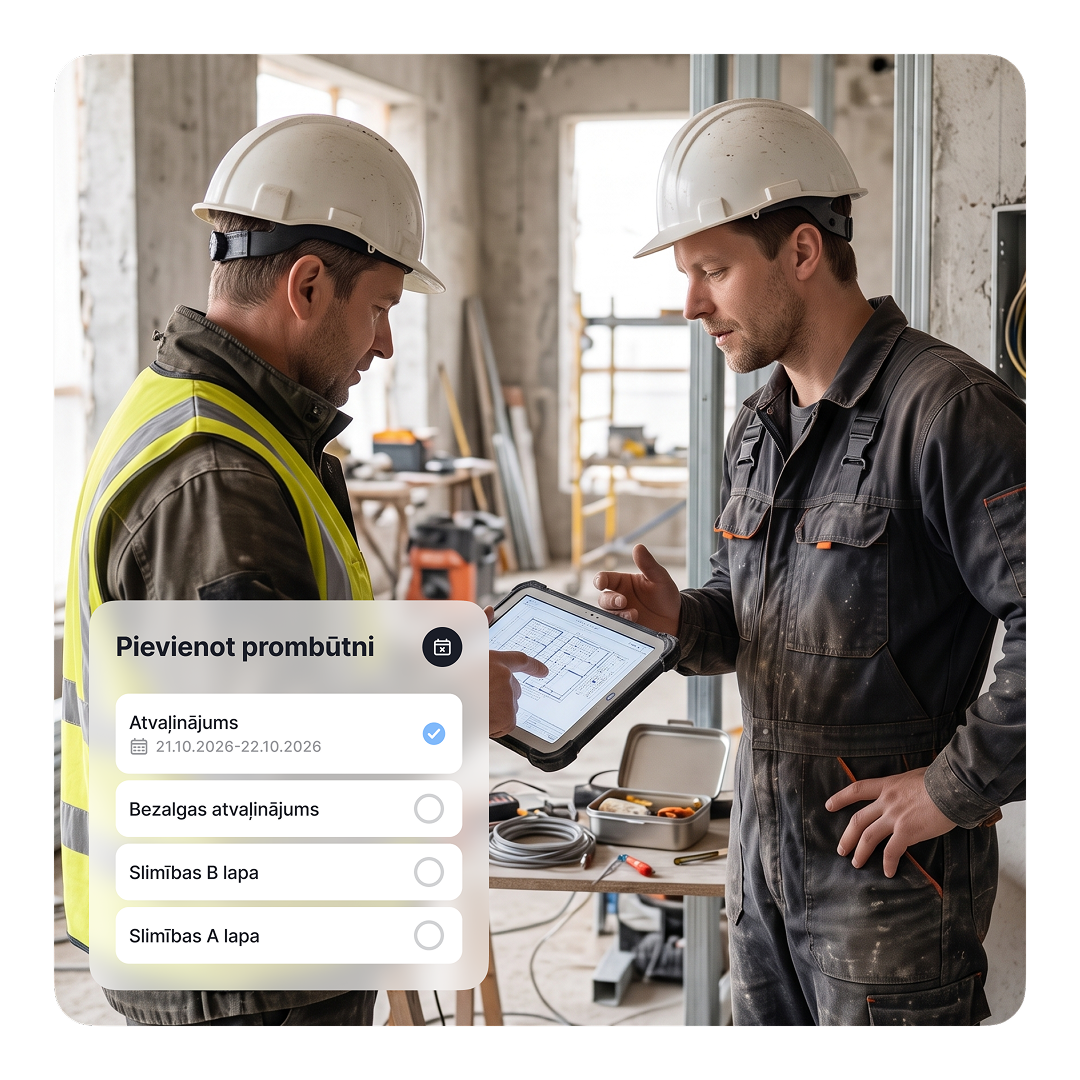
Your accountant sees the invoices, documents and payments you’ve already entered, reviews more complex situations and continues working with organised data.

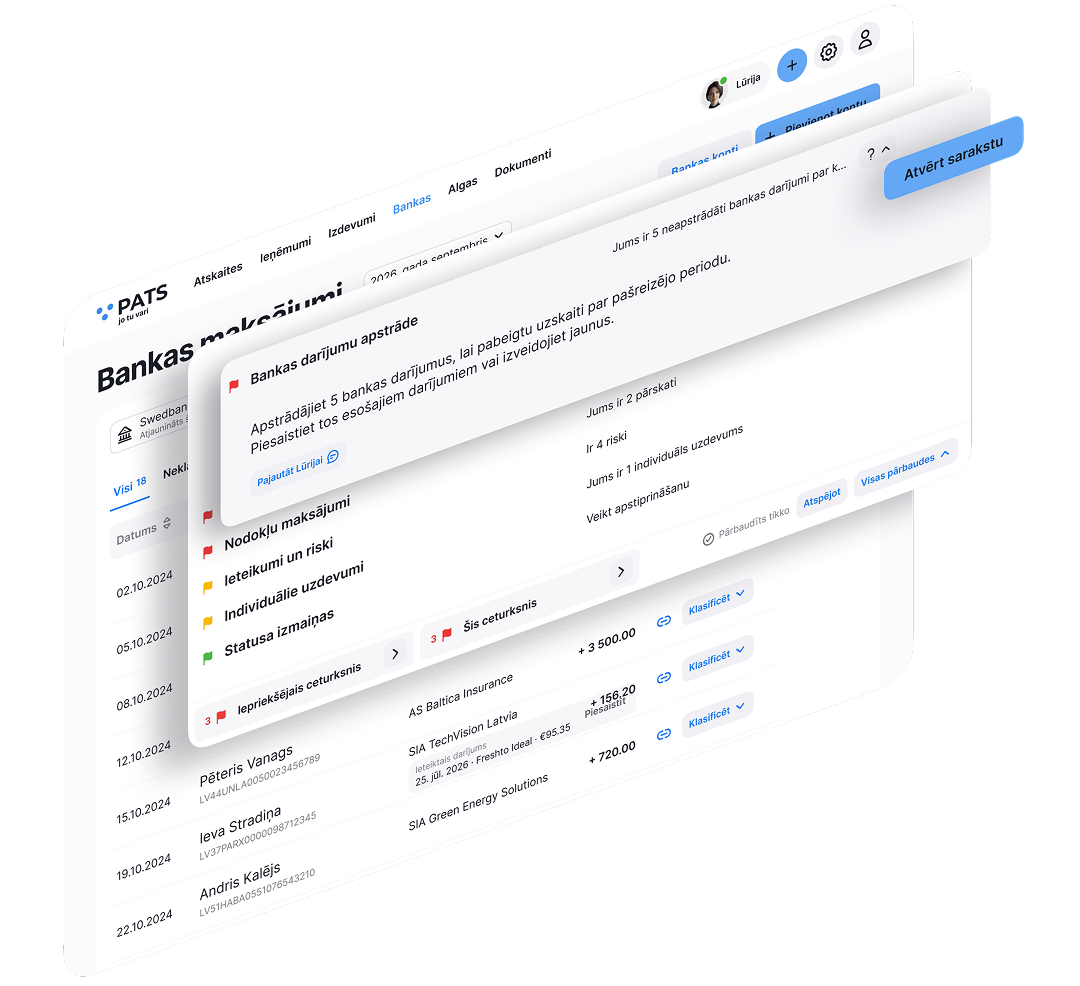

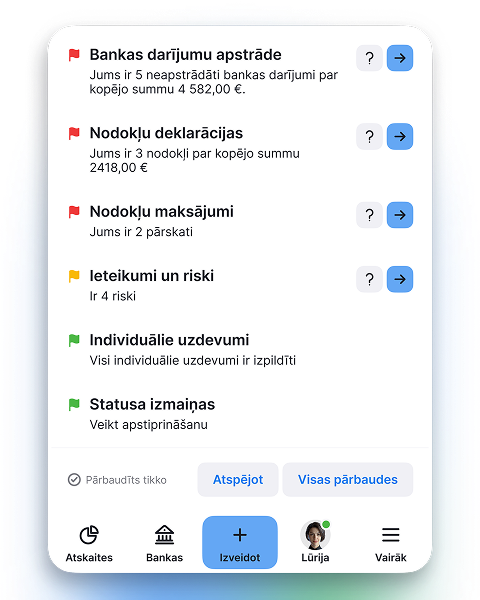
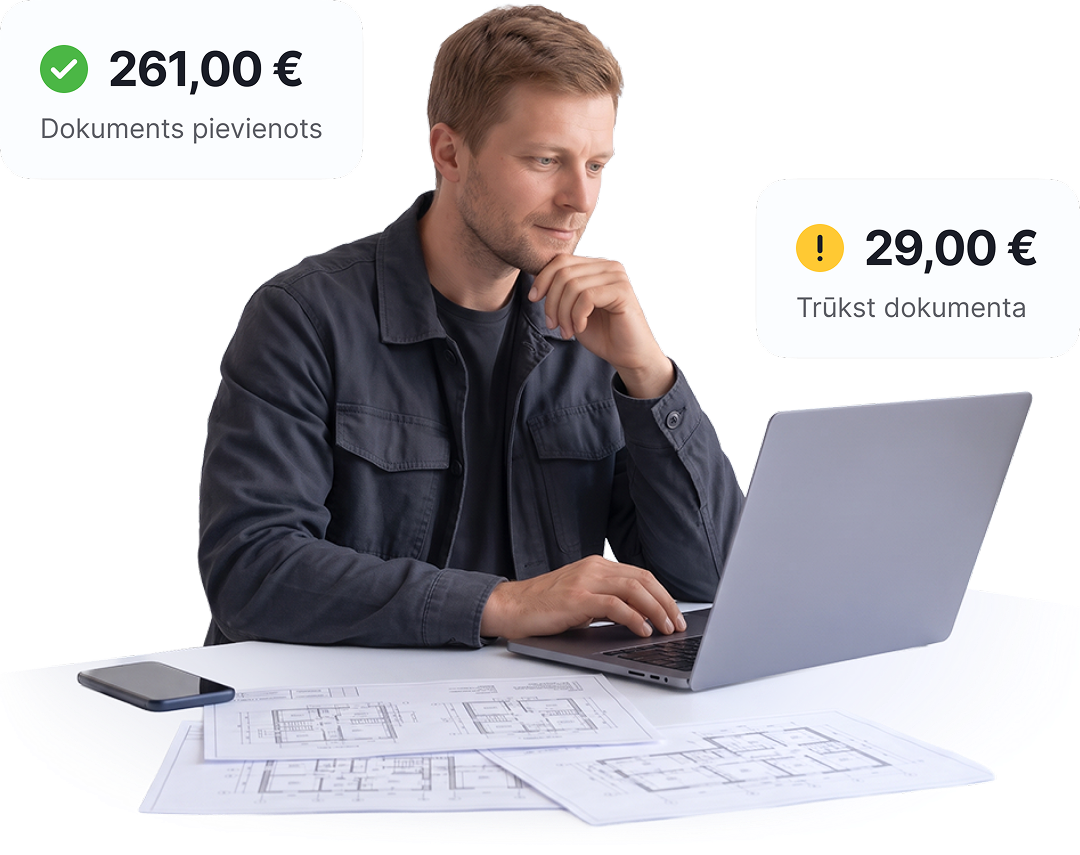
Lūrija compares transaction data with the receipt or invoice and highlights errors and inconsistencies that need attention.
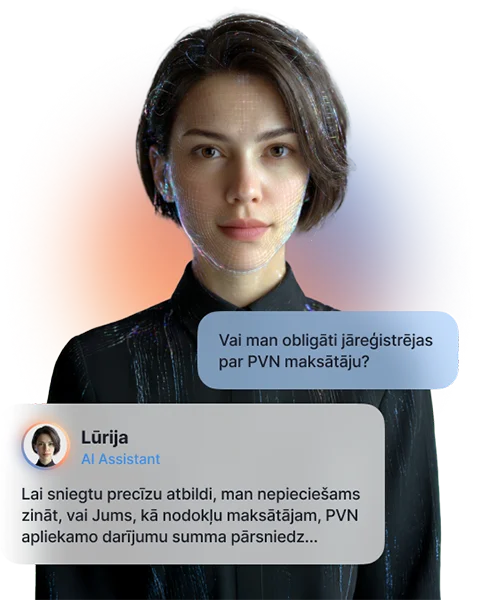
Lurija helps find answers to questions about Latvian taxes, accounting and business activity.

All VID filing and payment dates in one place, matched to your business type
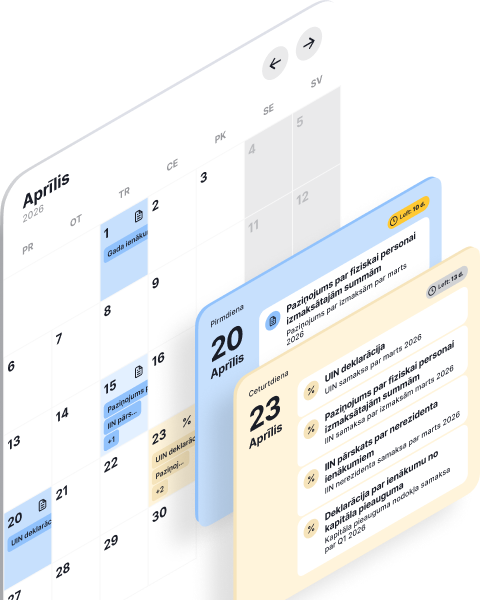
For self-employed professionals and SIA companies - automatically sync transactions with pats.lv accounting


Automate the invoicing process, get paid faster, and focus on what truly drives your business forward
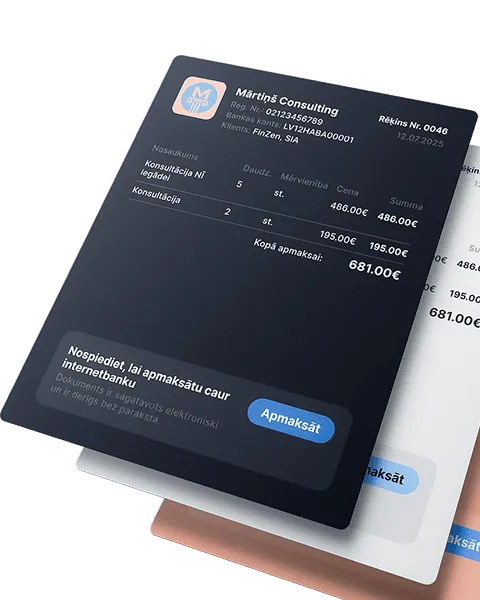
Automation that pays off! Save up to 80% of the time compared to manual data entry
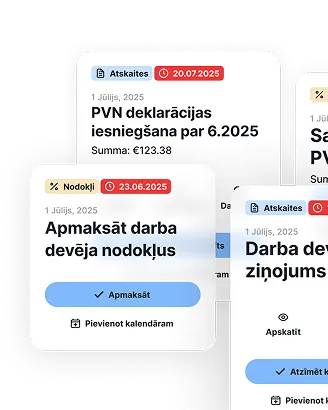
All reports and tax declarations are generated automatically - from quarterly to annual. Enter your income and expenses, the system will calculate the taxes - just download and submit

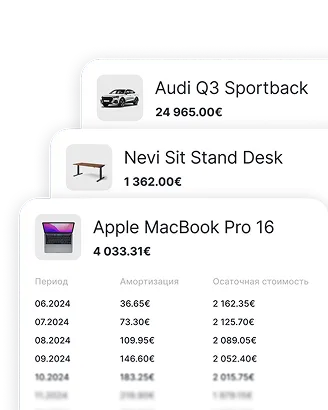
Enter an asset once - depreciation is calculated automatically, and the data goes straight into the reports
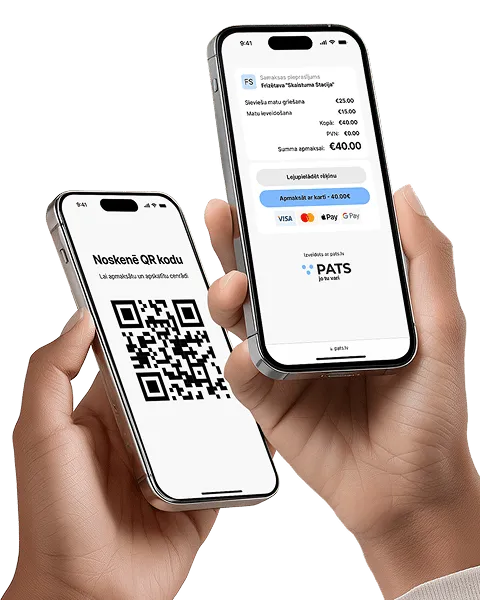
Instantly with a QR code or link - perfect for service providers without a cash register. Create an offer, the client scans and pays
Automatically calculates salaries, taxes, and vacation pay, while also preparing all mandatory documents


The fastest way to manage business transactions - accurately and clearly


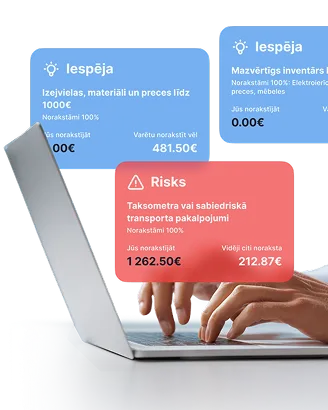
Analyze your expenses and get smart tips on what can be deducted. Compare with others in your field and avoid missing out
| Without Lūrija | With pats.lv |
|---|---|
|
Transactions and documents must be checked manually
|
Check - spot errors and inconsistencies
|
|
You need to find the right report and understand how the result is calculated
|
Calculate and review - use pats.lv data and reports
|
|
You need to search for instructions or a video
|
Get help - instructions and videos exactly when you need them
|
|
You need to find the right section and configure the filters
|
Say what you are looking for and find it immediately
|
|
If you have doubts, you need to look for additional help
|
Take action - go directly to the right place in the system
|
| Get started |
 Trial 7 days


 Get started